Meta Description: The WordPress SEO checklist for 2026 covers technical foundations, content architecture, Core Web Vitals, schema, and AI search signals that determine organic visibility now.
Google processed an estimated 8.5 billion searches per day in 2025, and the results page those searches return looks fundamentally different from what it did three years ago. AI Overviews appear above organic results for nearly half of all queries. Featured snippets, People Also Ask boxes, and knowledge panels absorb clicks that previously went to ranked pages. Core Web Vitals scores directly influence ranking position. And the entity-based signals that determine whether Google trusts your brand as an authoritative source have become as important as the link signals that dominated SEO for the previous decade.
For WordPress site owners and developers, the practical question is which WordPress SEO optimisations are worth prioritising in this environment, and which practices from previous years have diminishing returns.The answer has shifted substantially – and the operating model our
SEO company in Kolkata now applies to every WordPress site reflects that shift, prioritising Core Web Vitals, entity signals, and AI-search readiness alongside traditional technical foundations.
. Technical SEO foundations that were optional in 2020 are now table stakes. Content that ranks today is structurally different from content that ranked in 2022. And the measurement frameworks that determine whether your SEO program is working need to account for visibility in AI-generated results as much as traditional organic rankings.
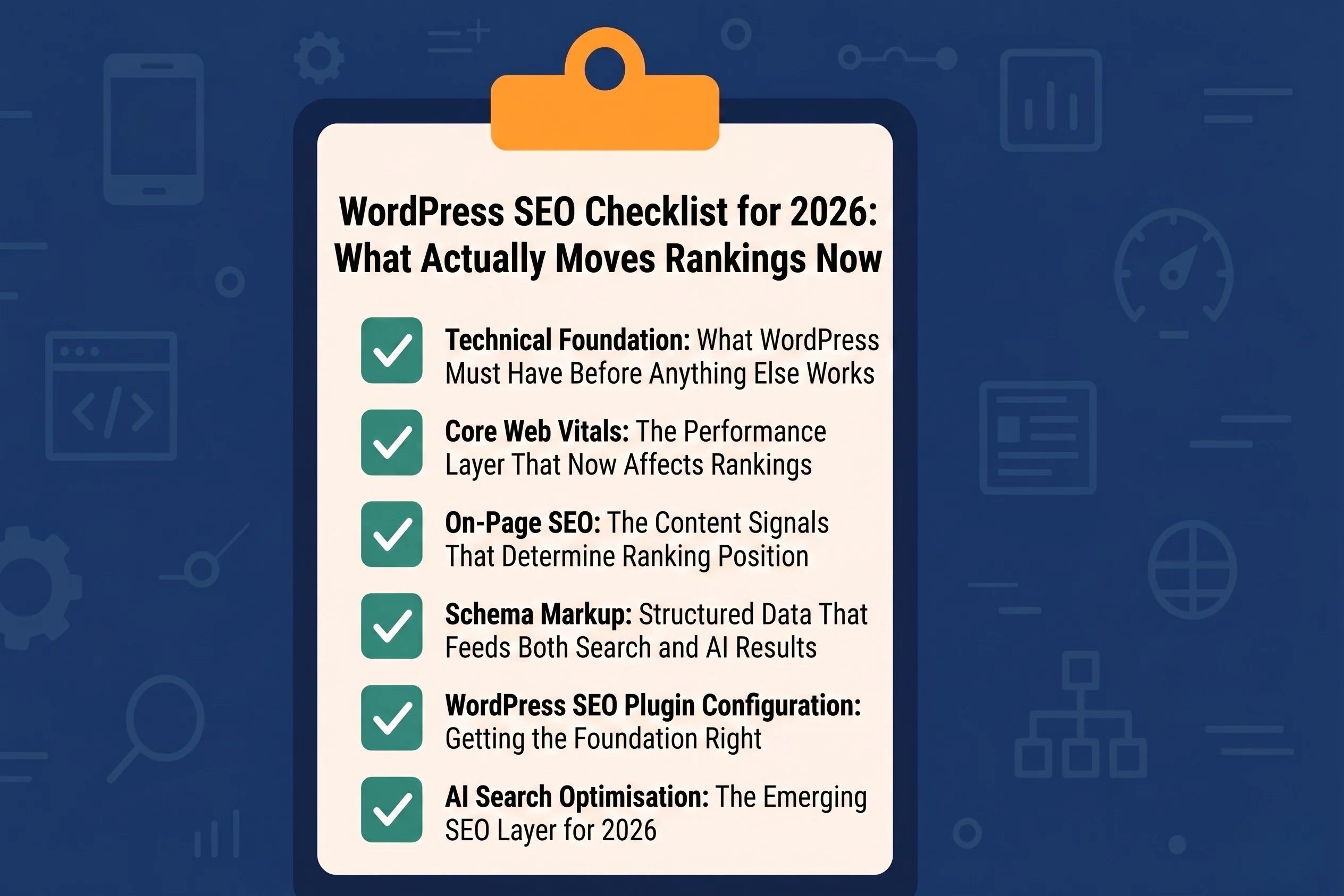
This checklist covers every significant WordPress SEO factor that influences search performance in 2026, organized from technical foundation to content architecture to off-page signals, with implementation guidance specific to WordPress’s infrastructure and plugin ecosystem.
Technical Foundation: What WordPress Must Have Before Anything Else Works
Technical SEO errors are the most common reason well-written, properly targeted content underperforms in search. A page that cannot be crawled cannot be indexed. A page that loads in six seconds on mobile will not rank competitively regardless of its content quality. A site without HTTPS loses trust signals before a user reads a single word. These are the conditions that must be correct before content or link-building investments produce their intended return – which is why the SEO audit our
Kolkata WordPress development team runs on every inherited site starts with technical foundations, not content.
HTTPS and SSL configuration should be the starting point for any WordPress SEO audit. Google has treated HTTPS as a ranking signal since 2014, and modern browsers actively warn users when they navigate to HTTP pages, a friction event that increases bounce rates independent of content quality. Most managed WordPress hosts provision SSL automatically; sites still running on HTTP require certificate installation and a sitewide redirect configuration that ensures all HTTP requests are permanently redirected to HTTPS equivalents.
XML sitemap submission ensures Google’s crawler has a complete, accurate map of your site’s indexable content. Yoast SEO, Rank Math, and All in One SEO all generate XML sitemaps automatically and update them when content is published or modified. The submission step, adding your sitemap URL to Google Search Console, is a one-time action that gives Google’s crawl infrastructure a structured entry point to your content. Verifying that your sitemap excludes paginated archives, tag pages, and other low-value URLs that should not consume crawl budget is a secondary audit step that matters more as site size increases.
Crawl budget management becomes relevant for WordPress sites with large content archives, extensive tag and category structures, or pagination chains that generate hundreds of low-value URLs. Google’s crawl budget, the number of pages it will crawl on your site in a given period, is finite, and consuming it on URLs with no ranking potential reduces the frequency with which your valuable content pages are recrawled and re-indexed after updates. Implementing noindex on tag pages, author archives, and paginated archive pages beyond page one focuses crawl budget on the URLs that actually matter.
Robots.txt configuration controls which sections of your WordPress installation are accessible to crawlers. The default WordPress robots.txt is minimal, it disallows /wp-admin/ and allows everything else. Adding disallow rules for search result pages, print-friendly URLs, and URL parameters that generate duplicate content variations reduces the volume of low-quality URLs that enter Google’s index.
Core Web Vitals: The Performance Layer That Now Affects Rankings
Google’s Page Experience signals, anchored by the Core Web Vitals metrics, have been a confirmed ranking factor since 2021, and their weight in competitive ranking decisions has increased as Google’s ability to measure real-user performance data has improved. The non-developer’s playbook for diagnosing and fixing each Vital is documented in our Core Web Vitals optimization guide.
In 2026, a WordPress site with poor Core Web Vitals scores is at a measurable competitive disadvantage against equivalently authoritative sites that have optimized for performance.
The three Core Web Vitals metrics are Largest Contentful Paint (LCP), Interaction to Next Paint (INP- which replaced First Input Delay in March 2024), and Cumulative Layout Shift (CLS). Each measures a different dimension of page experience: LCP measures how quickly the largest visible content element loads, INP measures how responsive the page is to user interactions, and CLS measures how much the page layout shifts unexpectedly during loading.
LCP optimisation in WordPress primarily addresses image delivery and server response time. Images are the LCP element on the majority of WordPress pages, the hero image, the featured post image, or the above-fold graphic. Implementing WebP format conversion (natively supported in WordPress 5.8+), adding loading=”eager” and fetchpriority=”high” attributes to the LCP image element, and serving images through a CDN are the three changes that most consistently improve LCP scores. Plugins including Imagify, ShortPixel, and Smush handle WebP conversion automatically; CDN delivery is available through Cloudflare, BunnyCDN, or the CDN features built into managed hosting platforms.
Server response time- measured as Time to First Byte (TTFB), underlies LCP performance and is primarily determined by hosting infrastructure quality and caching configuration. WordPress with no caching generates a database query for every page request; a properly configured caching layer (WP Rocket, W3 Total Cache, or the server-level caching built into Kinsta and WP Engine) serves pre-generated HTML without database queries, reducing TTFB from 800–1200ms on typical shared hosting to 100–200ms on cached managed hosting.
CLS issues in WordPress most commonly originate from images without defined width and height attributes, web fonts that cause layout reflow as they load, and ad or widget slots that expand after initial render. Adding explicit dimensions to every image in your theme and content, implementing font-display: swap in your CSS, and reserving space for dynamic content elements through CSS aspect-ratio declarations address the majority of CLS problems without design changes.
On-Page SEO: The Content Signals That Determine Ranking Position
With technical foundations in place, on-page SEO determines how WordPress content is evaluated for relevance, authority, and user satisfaction, the three dimensions Google’s ranking systems weight most heavily for any given query.
Title tags and meta descriptions are the first signals Google evaluates for content relevance, and the first elements users see in search results. WordPress SEO plugins allow per-page title and meta configuration; every indexable page should have a unique title tag that places the primary keyword near the front, stays within 60 characters to avoid truncation, and reflects the actual content rather than being engineered purely for keyword inclusion. Meta descriptions do not directly influence ranking, but significantly affect click-through rate, a well-written 150-character description that clearly states what the user will find on the page consistently outperforms a keyword-stuffed description in CTR, which generates the engagement signals that influence ranking over time.
Header structure- the H1, H2, and H3 hierarchy within your content provides semantic organization signals that help Google understand content architecture. Each page should have exactly one H1 that matches or closely aligns with the title tag. H2 subheadings should organise major content sections around related search queries and semantic variations of the primary topic. H3 elements provide supporting structure within sections. WordPress’s block editor makes header hierarchy visible during editing; auditing that published content uses the correct heading levels rather than applying heading styles for visual reasons is a content quality check worth performing on existing archives.
Internal linking is one of the highest-leverage WordPress SEO actions available at the content level because it distributes link equity through the site architecture and signals to Google which pages are most important. Every new piece of content should link to at least two to three relevant existing pages, and existing high-authority pages should be retroactively linked to new content on related topics. WordPress does not automate internal linking by default, it requires intentional implementation in the content production workflow. Link Whisper is the primary WordPress plugin that assists with internal link suggestions during content editing, reducing the time cost of systematic internal linking without removing editorial control.
Content depth and topical completeness have become more significant ranking factors as Google’s natural language understanding has improved. The structural framework for building topical depth systematically — through pillar-and-cluster architecture – is documented in our guide on
pillar pages that rank. Thin content, pages that address a topic superficially without covering the subtopics and related questions that a comprehensive resource would include, rank poorly against more complete alternatives. Analysing the top-ranking pages for your target query and identifying the topics, questions, and subtopics they cover that your content does not is a content gap analysis that consistently identifies improvements that produce ranking gains.
Schema Markup: Structured Data That Feeds Both Search and AI Results
Schema markup, structured data added to your WordPress pages using JSON-LD format, provides search engines and AI systems with machine-readable information about your content that supplements what those systems can infer from page text alone. In 2026, schema implementation is relevant not just for rich result eligibility in traditional search but for entity recognition in AI search systems that use structured data signals to evaluate brand trustworthiness. The deeper mechanic behind that entity recognition is documented in our
Entity SEO primer covering how Google understands brands, people, and topics beyond keywords.
WordPress SEO plugins implement the most common schema types automatically: Article schema for blog posts, WebPage schema for standard pages, BreadcrumbList schema for navigation hierarchy, and Organization schema for the site-level entity. These automatic implementations cover the baseline; the strategic value lies in extending the schema to match your content types and business model.
The FAQ schema is one of the highest-return schema implementations for content sites. Pages that include a properly structured FAQ section with FAQ schema are eligible for the expanded People Also Ask appearances in Google results and are more frequently extracted by AI Overview systems looking for concise, structured answers to user questions. The implementation requires both a visually formatted FAQ section in your content and the corresponding JSON-LD markup. Rank Math and Yoast SEO both provide FAQ block integrations in the WordPress editor that generate the schema automatically.
Local Business schema is mandatory for any WordPress site representing a business with a physical location or service area. It communicates your business name, address, phone number, operating hours, geographic service area, and business category in a format that directly feeds Google’s Local Knowledge Panel and Local Pack results. Inconsistency between Local Business schema data and your Google Business Profile data creates entity confusion that suppresses local search performance, both sources should carry identical NAP (name, address, phone) information.
Product schema for WooCommerce stores enables rich results that display pricing, availability, and review ratings directly in search results, producing significantly higher click-through rates than standard organic listings for commercial queries. WooCommerce’s native schema implementation covers the basics; plugins including Rank Math Pro and Schema Pro extend product schema to include GTIN, MPN, brand, and condition attributes that increase rich result eligibility.
WordPress SEO Plugin Configuration: Getting the Foundation Right
The WordPress SEO plugin ecosystem, dominated by Yoast SEO, Rank Math, and All in One SEO, provides the interface through which most WordPress site owners implement their technical and on-page SEO configuration. Choosing a plugin is less important than configuring it correctly; all three handle the foundational requirements adequately.
Rank Math has become the preferred choice for technically proficient users because it provides more granular control over schema output, includes advanced redirects management, and offers a broader feature set in its free tier than Yoast. Its setup wizard covers the most important configuration decisions, sitemap settings, default schema types, social meta configuration, and breadcrumb implementation, in a structured onboarding flow that reduces the risk of misconfiguration.
Yoast SEO remains the most widely deployed WordPress SEO plugin and has the advantage of the most extensive third-party compatibility testing. For agency environments where plugin conflicts with page builders, WooCommerce, and membership plugins are a routine concern, Yoast’s compatibility track record reduces troubleshooting overhead.
Regardless of which plugin you use, the configuration checklist includes: verify that the plugin is generating canonical tags on all indexable pages; confirm that paginated pages carry correct rel=”prev” and rel=”next” signals or are consolidated with canonical tags; ensure social meta (Open Graph and Twitter Card) is configured for all page types; and confirm that the plugin’s redirect manager is handling 301 redirects for any URLs that have changed since the site launched.
AI Search Optimisation: The Emerging SEO Layer for 2026
Traditional WordPress SEO optimizes for ranking position in the ten-blue-links results page. The specific structural changes required to appear inside AI-generated citations – and how to measure that visibility – are unpacked in our analysis of
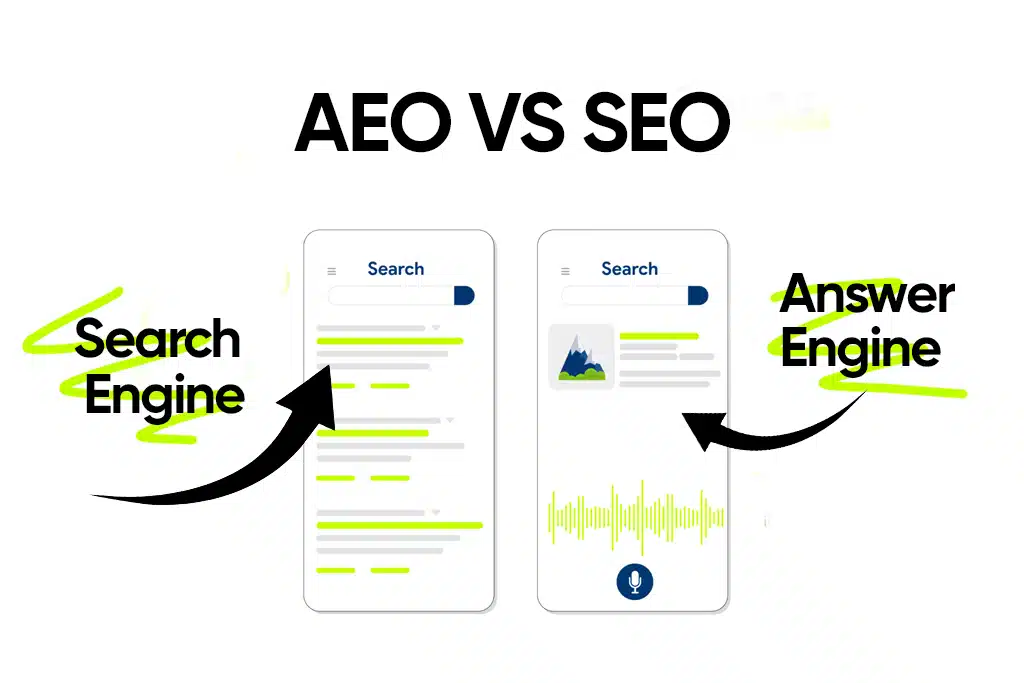
brand visibility in AI search results. In 2026, a meaningful and growing share of search visibility exists in AI-generated answers, Google AI Overviews, Perplexity citations, and ChatGPT Search references that appear before or instead of traditional organic results. Optimising for this layer requires a content approach that partially overlaps with traditional SEO but introduces distinct structural requirements.
AI systems prefer content that answers specific questions with precision, places the direct answer before supporting context, uses clear subject-verb-object sentence structures rather than hedged or conditional phrasing, and includes verifiable factual claims that the AI system can extract and cite with confidence. These preferences are the natural output of content written for genuine clarity rather than keyword density, the structural adaptation required is less dramatic than it appears.
The entity signals that influence AI search citation, consistent brand mentions across credible third-party sources, complete and accurate Google Business Profile data, Wikidata entry completeness, and author entity schema that connects your content to a named, credentialed individual, are built outside the WordPress installation but influence how AI systems evaluate content published on it. For WordPress site owners, the practical action is to ensure that author profiles include credentials and expertise signals through Person schema, that the site’s Organization schema is complete and consistent with external directory listings, and that content published on the site carries explicit topical authority signals rather than relying on general domain authority alone.
The Strategic Priority for Brands
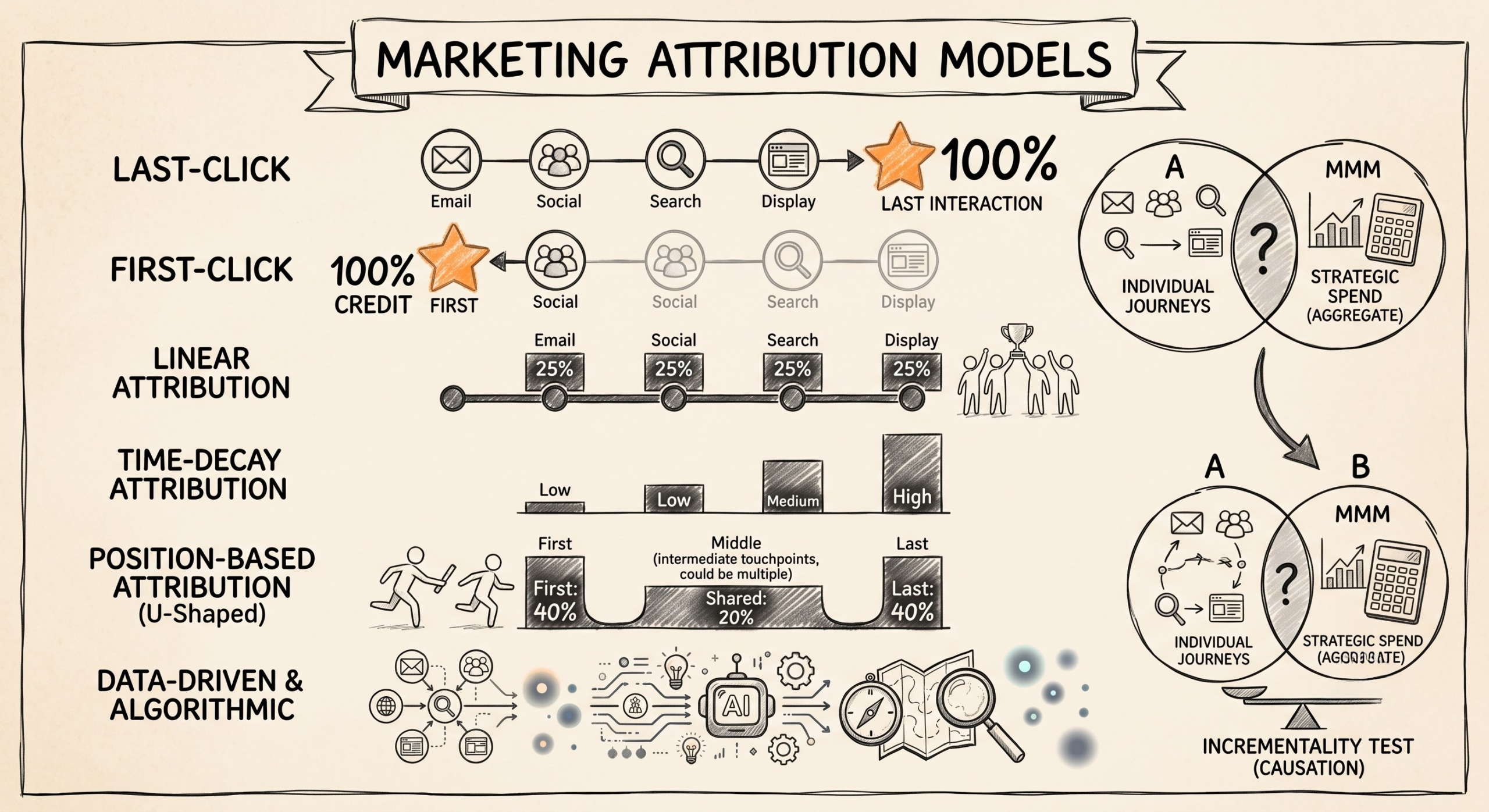
The WordPress SEO checklist for 2026 is no longer than it was in previous years, it is differently weighted. Technical performance (Core Web Vitals, TTFB, mobile experience) carries more ranking weight than it did three years ago. Topical depth and content completeness outperform keyword optimisation as the primary content signal. Schema and entity signals influence both traditional search rankings and AI search inclusion. And the measurement framework must account for zero-click AI visibility alongside click-generating organic rankings.
The implementation sequence that produces the most reliable improvement trajectory is: resolve technical issues (HTTPS, sitemap, crawl budget, page speed) before any content investment; audit and correct on-page SEO configuration across your highest-traffic pages before producing new content; implement schema systematically starting with the types most relevant to your business model; then invest in content depth and internal linking architecture as the compounding layer that builds topical authority over time.
SEO in WordPress is accessible in a way that most platforms cannot match. The plugin ecosystem, the developer community, and the documentation available mean that any site owner willing to understand the fundamentals can implement a competitive SEO program without enterprise-level resources.The discipline that separates sites that rank consistently from those that plateau is systematic execution of the fundamentals rather than chasing algorithmic updates or tactical shortcuts – which is why brands that want SEO run alongside their broader growth programme engage our
digital marketing company in Kolkata as a single integrated partner.