WordPress powers more than 40% of websites worldwide, making it one of the most popular content management systems available today. While its popularity is one of its greatest strengths, it also makes WordPress websites a common target for hackers and automated bots. One of the simplest yet most effective ways to improve your website security is by hiding your WordPress login page.
In this article, we’ll explore why hiding your WordPress login page is important, how it improves security, and what benefits it can bring to your website. Login hiding is one entry in a longer security playbook covered in our [Security & Vulnerability Hardening Guide].
Understanding the Default WordPress Login URL
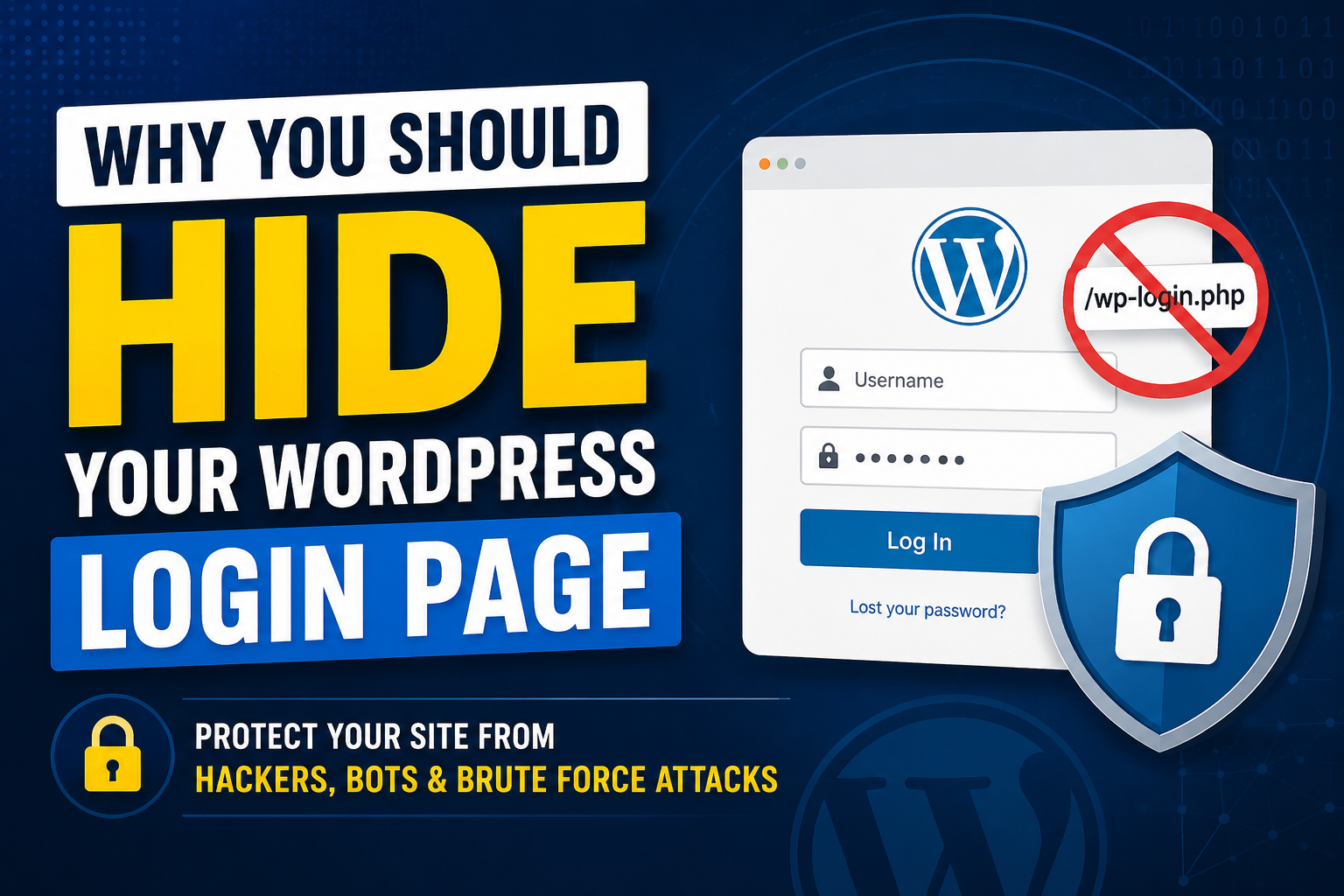
By default, every WordPress website uses the same login URLs:
- yourdomain.com/wp-admin
- yourdomain.com/wp-login.php
Since these URLs are publicly known, anyone can access your login page. While they still need valid credentials to log in, exposing the login page creates opportunities for attackers to launch various types of attacks.
Protect Your Website from Brute Force Attacks
A brute force attack occurs when hackers use automated software to repeatedly guess usernames and passwords until they gain access to a website.
Because WordPress login URLs are predictable, attackers can easily target them with bots that attempt thousands of login combinations every minute.
By changing or hiding your login URL, you make it significantly harder for automated bots to find the login page in the first place. While this should not replace strong passwords and security plugins, it serves as an additional layer of protection.
Reduce Unwanted Bot Traffic
Many websites experience constant traffic from malicious bots scanning the internet for WordPress installations. These bots often visit login pages, consume server resources, and generate unnecessary load.
Hiding your login page can dramatically reduce bot traffic because automated scanners can no longer locate the standard login URL.
Benefits include:
- Reduced server load
- Faster website performance
- Lower bandwidth usage
- Fewer security alerts and login attempts
Enhance Overall Website Security
Security experts often recommend a layered security approach. This means implementing multiple security measures rather than relying on a single defense mechanism.
Hiding your WordPress login page acts as a form of “security through obscurity.” While it should not be your only security measure, it creates an additional obstacle for attackers.
When combined with:
- Strong passwords
- Two-factor authentication (2FA)
- Security plugins
- Regular updates
- SSL certificates
it significantly improves your website’s security posture.
Prevent Unauthorized Login Attempts
Many hackers specifically target WordPress websites because they know where the login page is located.
Changing your login URL means that only authorized users who know the custom URL can access the login page. This helps reduce unauthorized login attempts and keeps your website administration area more private.
Protect Against Automated Vulnerability Scans
Cybercriminals frequently use automated tools to scan websites for vulnerabilities. These scanners often begin by checking common WordPress login URLs.
When your login page is hidden or moved to a custom URL, automated scans are less likely to identify your site as an easy target. This reduces the chances of your website being included in large-scale attack campaigns.
Improve Website Monitoring and Security Logs
A hidden login page can make it easier to identify suspicious activity.
If someone discovers and attempts to access your custom login URL, it may indicate a more targeted attack rather than generic bot traffic. This allows website administrators to respond more effectively and monitor potential threats. The vetting framework for finding developers who treat security as a default rather than an upsell is in our guide on how to choose the right WordPress developer.
Easy to Implement
One of the best things about hiding your WordPress login page is that it can be implemented in minutes.
Popular methods include:
Using a Security Plugin
Plugins such as:
- WPS Hide Login
- All In One WP Security
- iThemes Security
allow you to change your login URL without modifying any core files.
Through Security Suites
Many premium security plugins include login URL customization along with malware scanning, firewall protection, and login security features.
Best Practices Alongside Hiding the Login Page
While hiding the login page improves security, it should never be your only protection method. Follow these additional best practices:
Use Strong Passwords
Create passwords that contain:
- Uppercase letters
- Lowercase letters
- Numbers
- Special characters
Enable Two-Factor Authentication
2FA adds an extra verification step, making it much harder for attackers to gain access.
Keep WordPress Updated
Regularly update:
- WordPress Core
- Themes
- Plugins
to patch known vulnerabilities.
Limit Login Attempts
Restrict the number of failed login attempts to prevent brute force attacks.
Install a Firewall
A web application firewall can block malicious traffic before it reaches your website.
Conclusion
Hiding your WordPress login page is a simple yet effective security measure that can help protect your website from brute force attacks, malicious bots, and unauthorized access attempts. While it should be part of a broader security strategy, changing the default login URL adds an important extra layer of protection.
For website owners looking to strengthen their WordPress security, hiding the login page is one of the quickest and easiest steps you can take. Combined with strong passwords, two-factor authentication, regular updates, and reliable security plugins, it can significantly reduce your website’s exposure to common cyber threats.
Hiding the login page is one of roughly twenty hardening moves our WordPress developers in Kolkata ship as standard on every production handover.
Investing a few minutes in securing your WordPress login page today can save you from major security headaches in the future.