Beyond the Security Plugin: Enterprise-Grade WordPress Hardening at the Server and Code Level
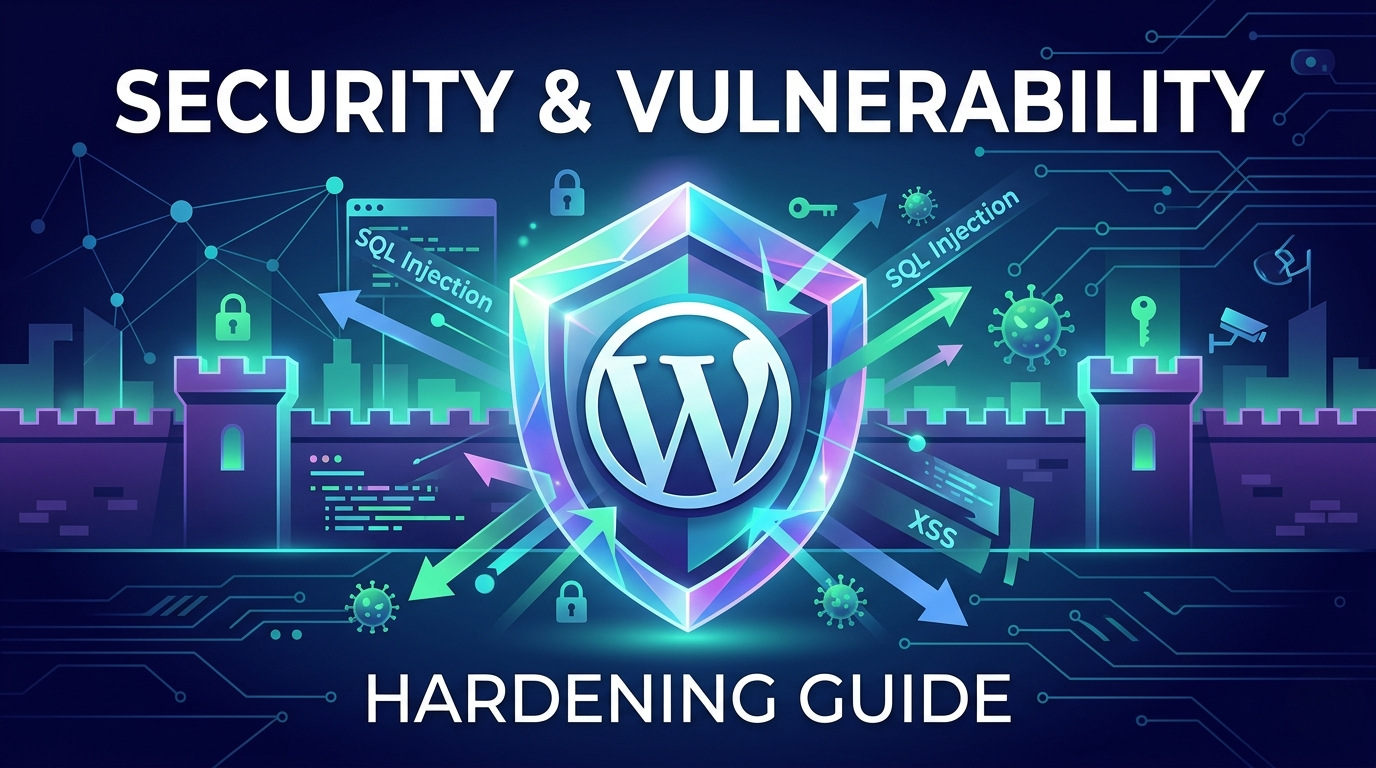
WordPress powers a massive portion of the web, and this popularity makes it an inevitable target. While the core software is secure, the sprawling ecosystem of plugins, themes, and server configurations often introduces critical vulnerabilities. For enterprise-level websites, relying on basic “security plugins” is a defensive strategy destined to fail. True security requires defense in depth-hardening the platform at the code level, the database layer, and the server environment. This guide outlines the essential steps to transform a generic installation into a digital fortress.
1. The Myth of the Silver Bullet Security Plugin
Most site owners manage security by installing a single, widely popular security plugin and activating its “firewall” and “malware scanning” functions. While these tools offer a necessary baseline (providing brute force protection and basic blocking rules), they are superficial defenses.
A professional approach acknowledges that these plugins operate after the WordPress core has already booted. To truly secure an application, the hardening must begin much earlier in the connection process, intercepting malicious traffic before it can exploit application-level logic. This is where specialized engineering expertise separates a simple web designer from a legitimate wp developer.
2. Server-Level Hardening: The First Line of Defense
Security starts long before a single line of PHP is executed. A well-configured server environment can block up to 90% of malicious requests automatically.
Configuring Nginx and Apache
If you use Nginx or Apache, the configuration files (nginx.conf or .htaccess) must be manually hardened. Generic WordPress setups are often permissive to allow for broad compatibility. Tightening these restrictions is critical.
A custom-configured web server should:
Disable Directory Browsing: Prevent attackers from viewing your entire file structure by guessing directory names.
Protect Important Files: Direct access to
wp-config.php,xmlrpc.php, and install files must be forbidden via rewrite rules.Restrict PHP Execution: Block the execution of PHP scripts inside the
/wp-content/uploads/folder. This is a common entry point for malware that attempts to exploit an image uploader.
Implementing a Strict Content Security Policy (CLS)
One of the most powerful, and yet most ignored, defenses is the Content Security Policy (CSP). A CSP is a security header sent by the server that tells the user’s browser exactly which domains are trusted sources of content.
Implementing a strict CSP prevents many classes of cross-site scripting (XSS) attacks. By explicitly defining which domains can serve JavaScript, CSS, or images, you can stop a malicious script from a compromised domain from loading and stealing user data, even if the application has a vulnerability. Developing a correct and strict CSP requires a technical partner with deep knowledge of wordpress development standards.
3. Database Layer Hardening: Securing Your Core Data
The MySQL or MariaDB database is the prize attackers seek. It contains user data, password hashes, site content, and critical configuration settings.
Custom Database Table Prefix
During the installation, the default table prefix is wp_. Automated SQL injection bots actively target tables with this standard prefix (e.g., wp_users). Changing this prefix to a unique, random string like s4fe_ during or after installation significantly reduces the effectiveness of automated attacks.
Principle of Least Privilege
The database user specified in wp-config.php should only have the minimum permissions required to operate the site (SELECT, INSERT, UPDATE, DELETE, CREATE). For security-hardened installations, this user should not have permissions like DROP, GRANT, or REVOKE, limiting the damage an attacker can do if they manage to compromise the connection.
For one of the highest-leverage entry-point fixes specifically, see our breakdown of why you should hide your WordPress login page.
4. Application-Level Defenses: Sanitization and Nonces
A secure website must never trust user input. Whether it’s a contact form, a search query, or a REST API endpoint, every piece of data must be scrutinized.
Data Sanitization, Validation, and Escaping
This is the holy grail of secure coding. A skilled software team adheres to three core principles:
Sanitization: Cleaning user input (e.g., stripping HTML tags) before it is processed. Functions like
sanitize_text_field()andsanitize_email()are mandatory.Validation: Verifying that the data matches the expected format (e.g., ensuring a ZIP code contains only numbers).
Escaping: Cleaning data immediately before it is output on the screen. This stops injected XSS scripts in their tracks. Functions like
esc_html(),esc_attr(), andesc_url()must be used universally.
Any custom plugin developed for an enterprise client must pass rigorous code review against these standards.
Utilizing Nonces to Prevent CSRF
Nonces (numbers used once) are unique cryptographic tokens used to verify that a request was sent intentionally by a trusted user. Implementing nonces protects a site from Cross-Site Request Forgery (CSRF) attacks, which attempt to trick authenticated users (like administrators) into performing sensitive actions (e.g., deleting a post or changing a user’s password) without their knowledge. A security-first development process integrates nonces into every form, URL-based action, and API call.
5. Modern Infrastructure and Workflows
Finally, true security extends to the underlying infrastructure and development processes.
Leveraging a Web Application Firewall (WAF)
A robust cloud-level WAF (like Cloudflare Enterprise or AWS WAF) is non-negotiable for enterprise sites. It inspects traffic for malicious patterns before it even reaches your origin server, providing a superior layer of edge protection that application-level plugins cannot match.
Security-Driven Deployment Cycles
Live patching code on a production server is an unacceptable security risk. Modern engineering teams utilize disciplined CI/CD (Continuous Integration/Continuous Deployment) pipelines. This workflow pushes code from secure local environments, through version control (Git), to staging environments, and finally to production. Automated tests can even audit custom code for security best practices before it is deployed.
Conclusion: Partner with Security-First Experts
WordPress is an amazing, capable platform, but true security is built, not installed. To build a system that is resilient against both modern threats and common vulnerabilities, you cannot rely solely on off-the-shelf plugins. It requires professional, code-level hardening.
If your enterprise cannot afford the financial and reputational damage of a data breach, don’t leave your project up to chance. Connect with our security-first wordpress development company in kolkata today to audit your current ecosystem and build an enterprise-hardened solution tailored specifically to your company’s risk profile. Let us transform your web ecosystem into a truly secure digital fortress.